Before you install
Check Android 6.0+, enough storage for the app and a few offline downloads, and permission to install apps outside the Play Store.
Castle is not on the Play Store, so Android labels it an unknown source. That warning is expected for sideloaded apps, and you can turn the setting off again after installation.
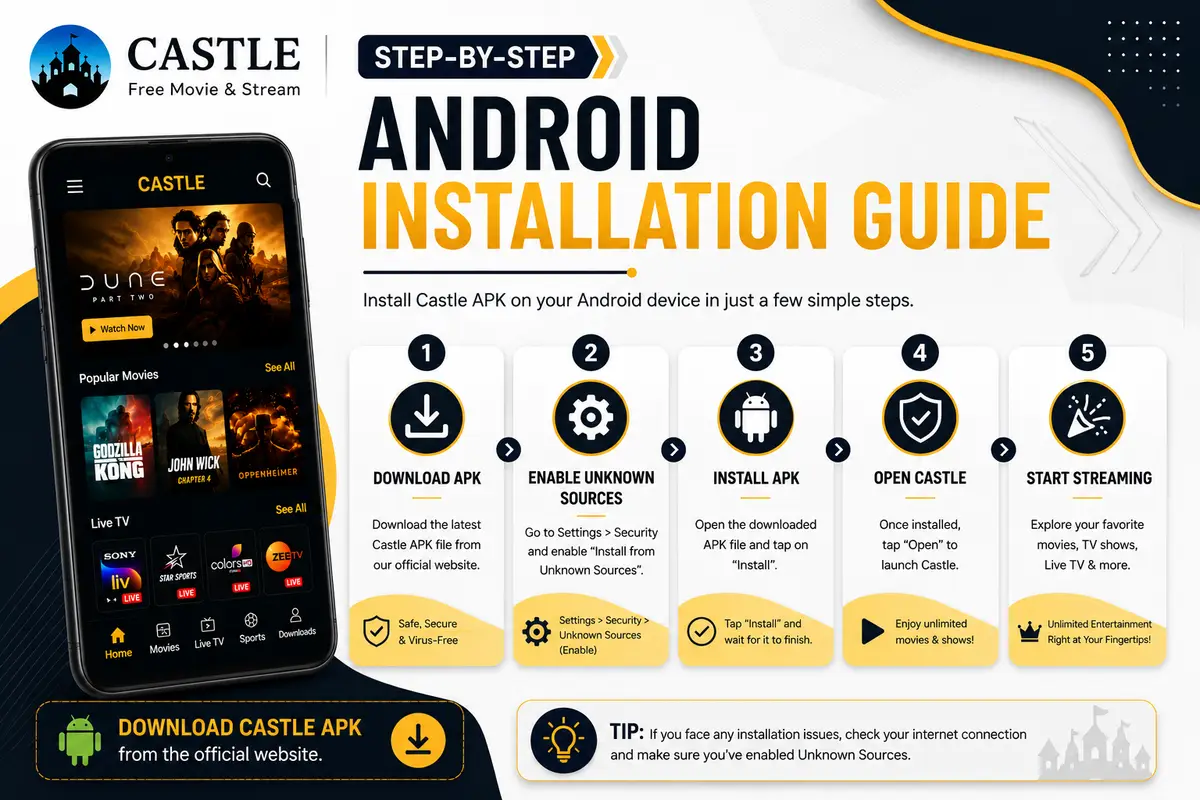
How to install Castle APK on an Android phone
Use this method for phones and tablets.
- Download the official file. Open the download page on this site and save the APK to your device.
- Open the APK. Tap the file in Downloads. If Android asks, allow unknown apps only for the browser or file manager you used.
- Confirm and launch. Tap Install, check the source if Play Protect appears, then tap Open when the install finishes.
How to install Castle on Fire TV Stick and Android TV
On Fire TV Stick, turn on Apps from Unknown Sources in Developer Options, install a downloader app from the Amazon Appstore, open the official Castle link and install the APK.
On Android TV, install a downloader app, allow unknown sources, open the official link and install. The remote-friendly layout puts categories and search one tap away.

Getting started: how to use Castle like a pro
Home shows what is trending and recently added. Use search for a title, actor or genre, and filters to narrow by language or category.
Open a title to pick quality and start watching. If a stream stutters, switch servers in the player, or save the title for offline viewing.
- Search and filter to find something in seconds
- Watch without an account; sign-in is only for invite rewards
- Change video quality any time in the player
- Download titles before you travel
Why is Castle not installing?
Most install failures come from Install unknown apps being off. Enable it for the app that opened the APK. If you see 'app not installed', remove an older Castle build and check free storage.
If the app opens but streams fail, check your connection and lower the video quality. A strong Wi-Fi signal gives the most stable playback.
FAQ
How long does installation take?
Usually under five minutes. Most of that is the download; the install itself takes a few seconds.
Do I need to enable Unknown sources?
Yes. Castle is installed from an APK rather than the Play Store, so Android needs permission. You can disable the setting afterwards.
Can I use Castle on more than one device?
Yes. Use the phone APK on Android phones and tablets, or the separate TV APK on Android TV boxes and Fire TV Stick. No account syncing is needed to watch.
Is there an iOS version of Castle?
No. Castle is an Android app. See the iOS availability page for details and safe alternatives.